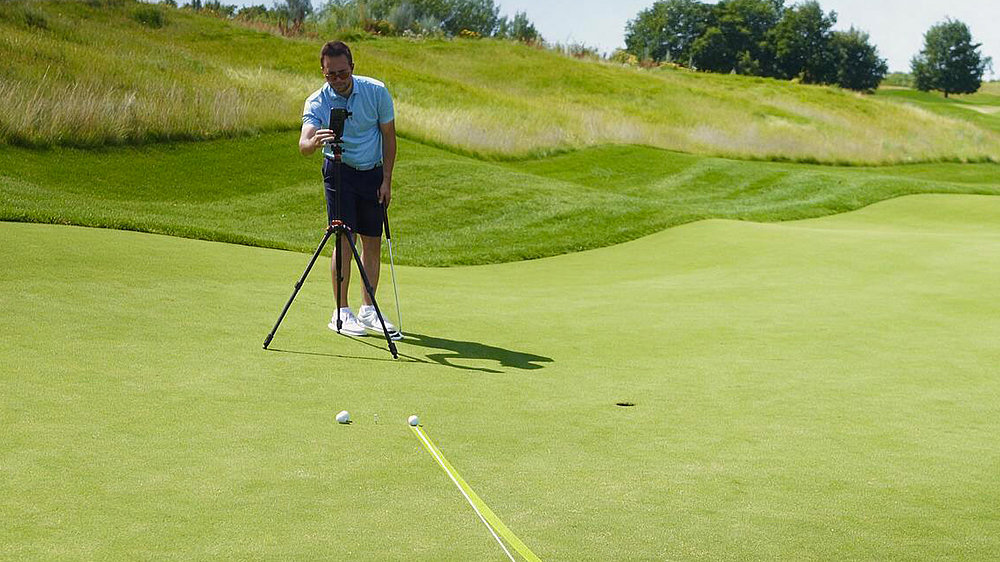
Record your own putts so you can precisely compare intention with reality.
To really identify why you made a putt or not, relying on feel and your own eyes simply isn’t enough. Without visual feedback, it is almost impossible to tell whether you hit your intended start line or not, whether the putt broke more than you thought or less, and whether you hit your putt too hard or too soft. Recording yourself and obtaining feedback therefore is vitally important to design a structured training plan around the elements of putting you struggle the most with.
Set up before you record
Set your Stimp and Power first. The recording only tells you something if the lines you are comparing against are the right ones. Skip this and you will spend the session fixing something that was never the problem.
Two ways to record
The best way to record yourself is using a tripod and the built-in recording functionality within the PuttView app. A second option would be asking a training partner or your coach to do the recording.
Make sure to position the camera behind you and down the start line, so you can track the whole putt. Keep the camera in the same position for every putt you record to ensure comparability. Record at least three putts to help identify a pattern rather than a snapshot.
What to look for
Two things only: do the line the ball rolled and started at match the lines the app drew?
Aiming Lines do not match: work specifically on your start line consistency. Issues could be strike location, club path, or face angle.
Aiming Lines match, but the putt left the Ideal Line at some point and missed: work on speed control. First, eliminate strike location as a potential error source, then take on for example the Ladder Drill.