Help & FAQs
Help
Frequently Asked Questions
Which iOS devices does the PuttView App support?
The PuttView app runs on all iPhones and iPads equipped with a LiDAR sensor: iPhone 12 Pro and later, and iPad Pro models from 2020 onwards. iOS 18 or higher is required. Please note: iOS versions 26.4 to 26.5 have a known issue that can cause performance drops. We recommend updating to the latest iOS version.
My scan keeps failing or looks inaccurate — what should I do?
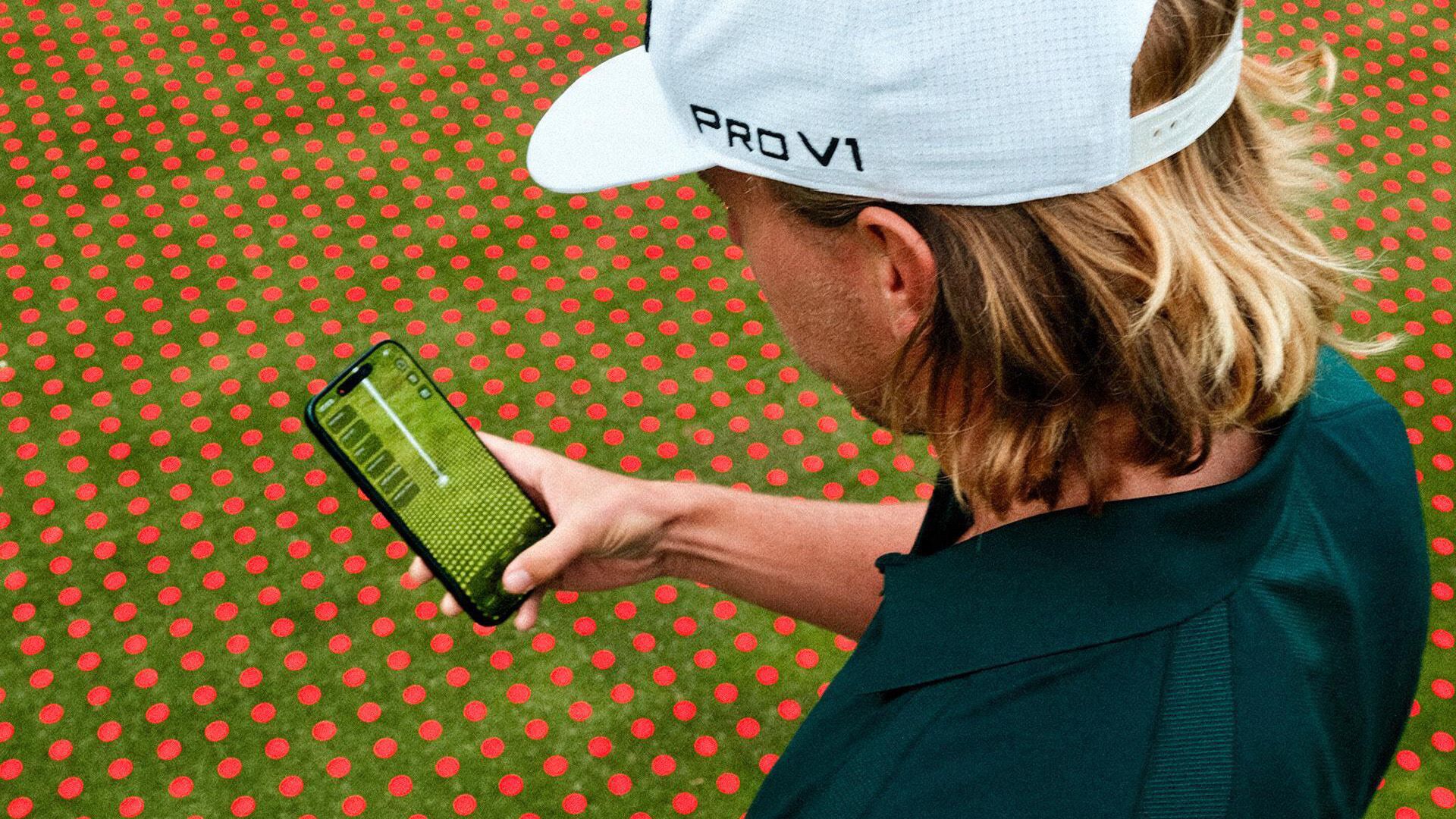
A few things make a big difference: make sure you are not covering the LiDAR sensor, hold your phone at roughly a 45 degree angle as shown by the indicator, and walk slowly from the ball to the hole while scanning. Even lighting helps, so avoid harsh shadows and direct sunlight, and keep people and moving objects out of the scanned area. Ideally, also scan about 3 ft (one meter) around the hole until all points turn green. Set the Green Speed before scanning for best results.
What Stimp (Green Speed) do I set?
Set the Stimp to match the speed of the green you are playing on. Green Speed is measured with a Stimpmeter and given in feet, typical values range from 8 to 12. If you are unsure, ask your course superintendent or greenkeeper. You can also get very close with a simple test we show in our Adjust Stim (Green Speed) first. A correct Green Speed significantly improves the accuracy of your line.
The calculated line looks wrong — how do I fix it?
First, check your Green Speed setting. Then rescan the area around your ball and the hole, following the same guidelines as for a failed scan: keep the LiDAR sensor uncovered, hold your phone at a 45 degree angle, scan slowly from ball to hole, keep people and moving objects out of the way, and cover about 3 ft (one meter) around the hole. Our video How to set my first putt walks you through it.
Do I need an internet connection to use the PuttView app?
You need an internet connection to log in. Once you are logged in, all core AR features work fully offline. Make sure to not close the PuttView app completely to stay logged in. A connection is only required for logging in, account sync, app updates, and accessing your saved presets.
Can I track my performance over time?
The PuttView app does not keep automatic statistics yet. Session tracking and performance evaluation over time are planned for a future update. In the meantime, you can record your putts on video and use the footage for your own video analysis.
Does the PuttView app track my ball?
No. Ball tracking is not yet a feature of PuttView iOS. The PuttView app currently uses LiDAR to read the green surface, not to track ball movement.
Is the PuttView app allowed during official tournaments?
The PuttView app is a practice application designed to help golfers improve their green reading, starting line accuracy, and speed control, making putting practice more effective and interactive. The PuttView app is not USGA-conforming and may not be used during official competitive rounds. It is intended exclusively for practice and preparation.
What is included in the Pro subscription?
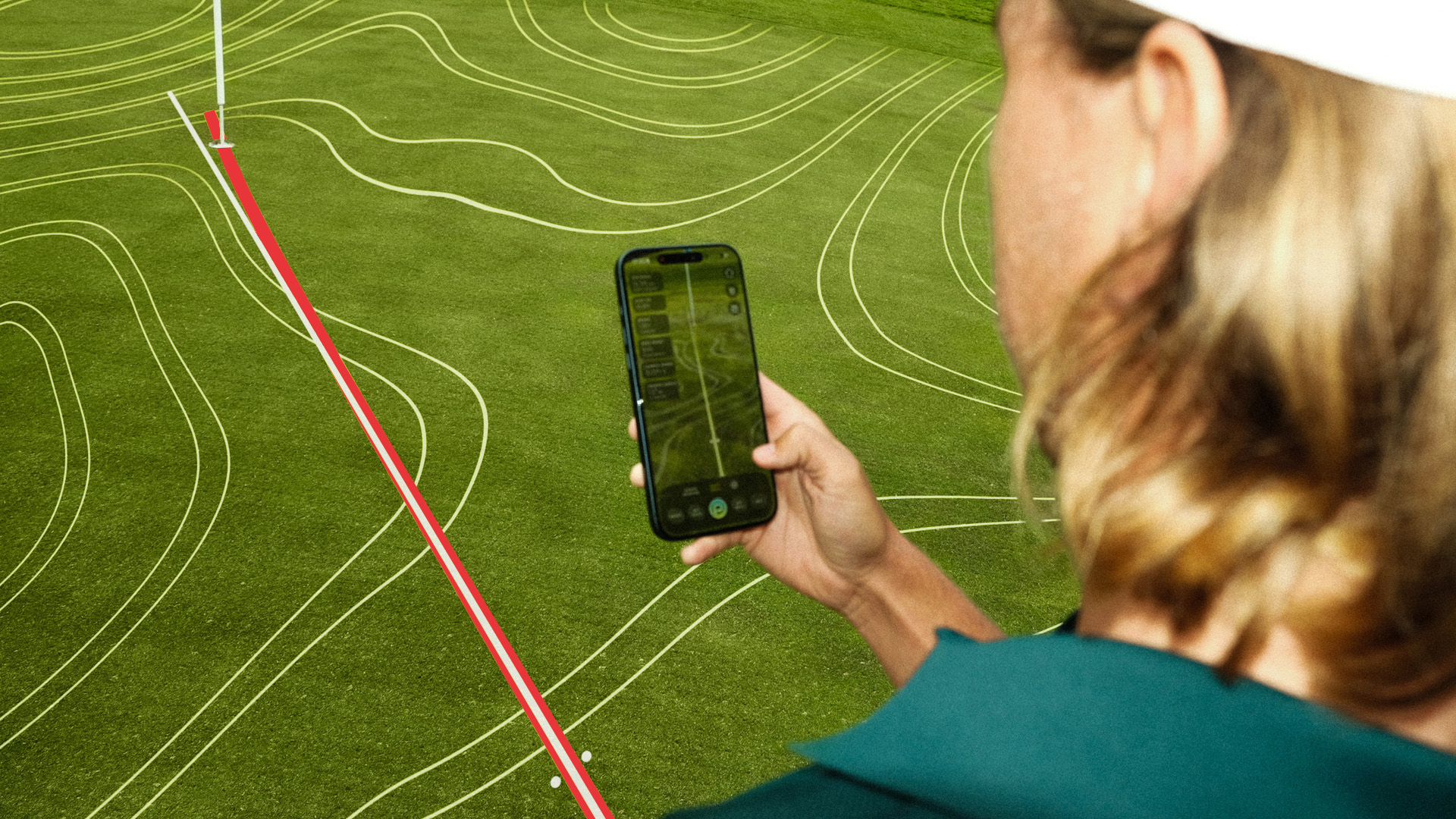
Pro lets you see the green like the pros do. You get the full green map with animated contour lines, fall lines, direction arrows, and slope percentages that reveal every break before you even address the ball. Contour lines are just the beginning: watch the ideal ball path unfold, practice through gates, dial in your aiming point, and customize every visual to match the way you learn best. For those who love data, Pro replaces guesswork with precision. Choose from 13 putt values like entry point, apex, and break angle, with visual markers exactly where they matter. And you stay in full control: save your favorite visuals as sets and record your practice in full screen, ready for stroke analysis or your next Instagram post. The free version includes basic putting lines and a limited selection of visual sets.
How do I purchase a Pro license?
Open General Settings, tap Subscriptions, select the Pro plan, and complete your purchase via Apple Pay or your App Store payment method.
How do I activate a voucher code?
Open General Settings, tap Subscriptions, and select "Have a promo code?". Enter your code, tap Redeem, and your upgrade is active right away.
Can I use the PuttView appp on multiple devices with one license?
Your license is linked to your Apple ID, so you can install the app on all your devices. However, you can only be logged in on one device at a time. As soon as you sign in on another device, you are automatically signed out on the previous one. Switching devices is possible anytime, it just requires signing in again.
How do I cancel my subscription?
Open iOS Settings, tap your Apple ID, go to Subscriptions, select PuttView Pro, and tap Cancel Subscription. You will retain access until the end of the current billing period.
Is the PuttView app available for Android?
Not at this time. PuttView requires a built-in LiDAR sensor, which is currently only available in iPhone Pro models. While some Android manufacturers have experimented with similar depth-sensing technology in the past, no mainstream Android phone currently features a true integrated LiDAR sensor. As soon as that changes, we will bring PuttView to Android.
I found a bug — how do I report it?
The easiest way is to scroll down and use the bug report form at the bottom of this page. Please include a short description and, if possible, a screenshot or screen recording.
I have a feature request — how do I submit it?
Submit your idea using the form at the bottom of this page. All submissions are reviewed by our product team.